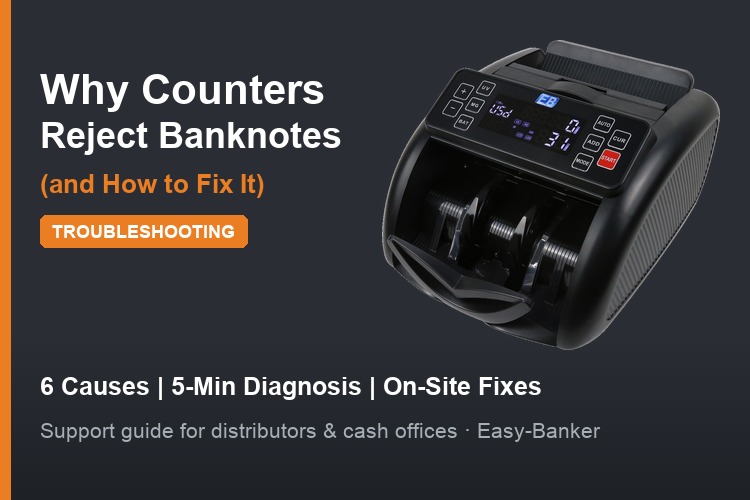
Few things frustrate a cashier — or a distributor's end customer — more than a money counter that keeps stopping mid-batch, beeping at perfectly genuine banknotes. Rejected notes slow down closing, create queues at the teller window, and erode trust in the machine.
The good news: most rejection problems have a small number of identifiable causes, and nearly all of them can be fixed on site without a technician. This guide is written for equipment distributors' support teams, bank cash-office staff and retail operators who need to diagnose the problem in minutes.
A modern banknote counter is not just counting — it is inspecting every note as it passes. Sensors check:
Any check that fails stops or flags the note. That is the machine doing its job. The problem arises when good notes fail the checks. Here is why that happens, in rough order of frequency.
The most common cause by far. Notes that are heavily soiled, limp, torn, taped or folded:
Fix: sort heavily worn notes and count them separately at reduced speed. In cash offices with high volumes of circulated notes, this is normal workflow — and it is exactly the kind of environment where a bank-grade machine earns its price. If your customers routinely process heavily worn currency, specify a machine with tolerant transport and adjustable sensitivity rather than the cheapest counter available.
A counter configured for one currency family can throw false rejects on another. UV sensitivity in particular varies between note series — older series often have weaker fluorescence than newer ones.
Fix: check the machine's currency/detection settings. Multi-currency machines such as the LD-2610 business-grade multi-currency bill counter or the LD-2110 multi-currency counter allow detection modes to be matched to the note series in circulation. For distributors: ask your supplier which firmware/currency profile ships with each unit for your target market — a profile mismatch is a leading cause of "defective machine" complaints that are actually configuration issues.
Every counter has a physical envelope of acceptable note sizes. For example, the Easy-Banker LD-5182 accepts notes from 50 × 110 mm up to 90 × 180 mm, thickness 0.075–0.15 mm.
Notes smaller than the minimum (some low-denomination notes in certain currencies) or thicker/stiffer than the maximum (heavily taped notes, some polymer notes on machines not designed for them) will be rejected or jam.
Fix: measure the problem notes against the datasheet. If your market circulates polymer notes, choose a polymer-compatible model such as the LD-2300 or LD-6210. Distributors should keep the size envelope of each model in their sales literature to prevent mismatched orders.
Overfilling the hopper, feeding a crooked stack, or dropping notes in while the transport is running produces doubles, chains and jams that the machine reports as rejects.
Fix: train operators:
Most "the machine is broken" calls from retail customers resolve at this step.
Dust, paper fibers and ink residue accumulate on the UV lamp, magnetic head, IR sensor and feed rollers. A contaminated UV window reads genuine notes as non-fluorescent; worn rollers cause misfeeds that trigger size errors.
Fix: a regular cleaning schedule:
For distributors, stocking rollers and offering cleaning kits with each machine reduces warranty returns and builds after-sales revenue. Establish a cleaning cadence matched to volume: daily for bank branches, weekly for retail back offices.
Commercial counters are typically rated for 0°C–40°C operating temperature (per the LD-5182 datasheet). A cash office in direct sun, or an unheated back room in winter, can push a machine outside its range. Unstable power supply also causes erratic sensor behavior.
Fix: relocate the machine away from heat sources and drafts, and in regions with unstable mains, run it through a voltage stabilizer. Dual-voltage machines (AC 220V–110V, 50–60 Hz) handle both 110V and 220V markets — verify the setting matches local supply.
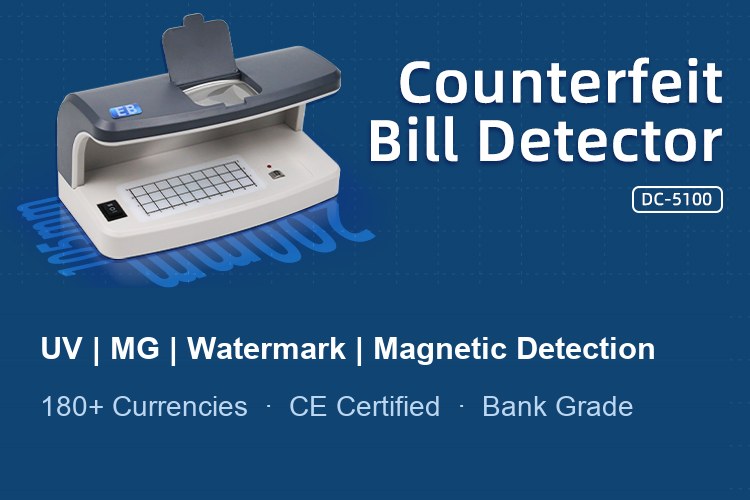
Sometimes the machine is right. If rejects cluster on specific notes that look suspicious — wrong feel, poor print quality, missing watermark — verify them separately with a dedicated detector. A standalone UV/IR currency detector or an all-in-one checker like the DC-108KW gives a second opinion without slowing the counting line. For background on detection technologies, see how banknote counters detect counterfeit bills.
When a customer reports "the counter keeps rejecting notes," walk through in order:
Prevention beats troubleshooting. When sourcing counters wholesale, ask the supplier:
Easy-Banker supplies the full cash-handling chain — back feeding counters, front feeding counters, note sorting machines and detectors — so distributors can match machines to each end-market's currency profile instead of forcing one model everywhere.
Questions about rejection issues or model selection? Contact our team for datasheets, currency compatibility lists and wholesale pricing: Contact Us | tony@easy-banker.com | +86-139-1679-5626